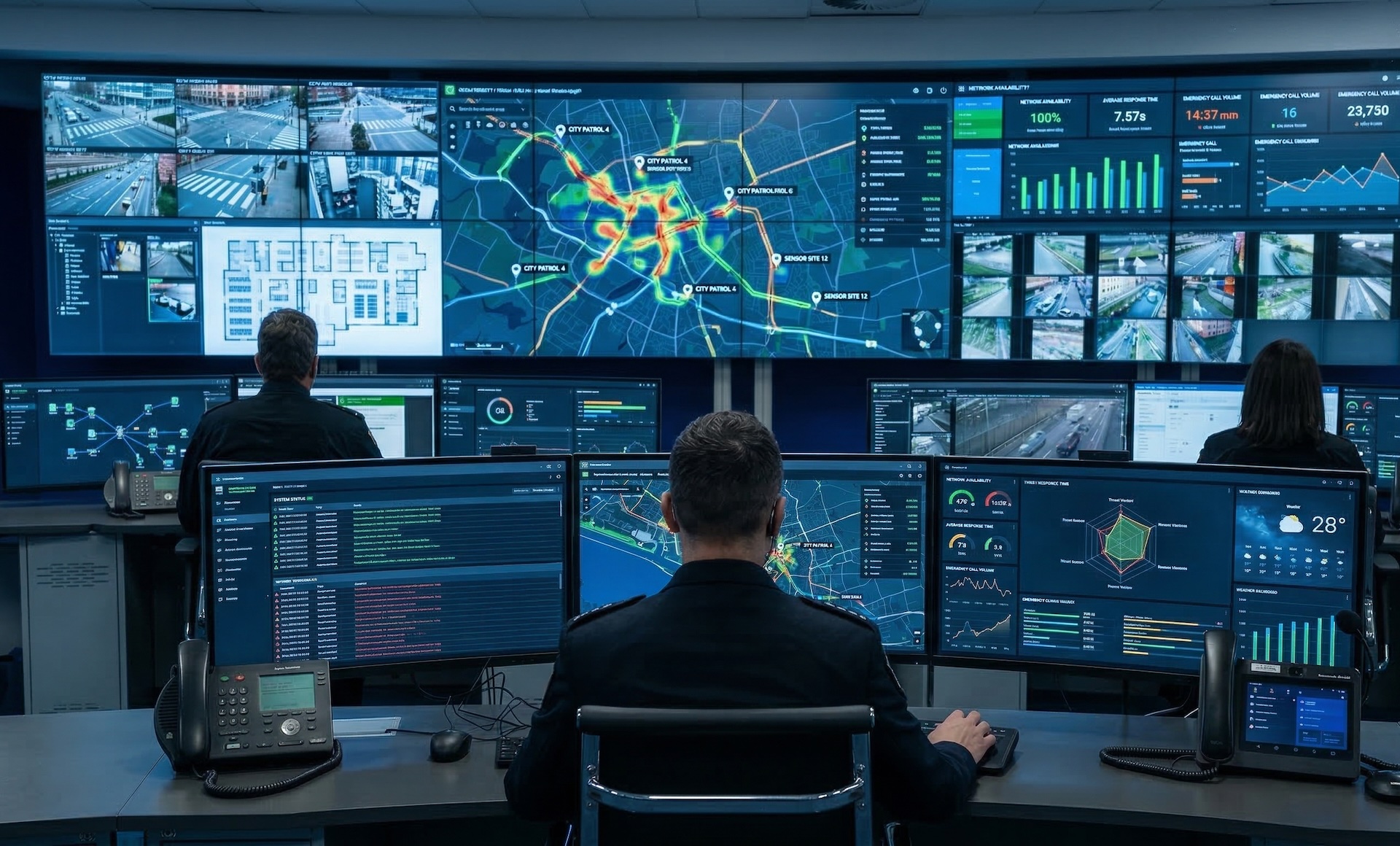
WallNext Server
The administration layer: sources, operator profiles, layouts, permissions and audit log. It runs on a dedicated Windows server or a virtual machine. A synchronised backup copy stays ready to take over in the event of a failure.
Solutions / Control Room
WallNext coordinates the video wall, the operator workspace and distributed sources in a platform built for mission-critical environments where everything has to stay synchronised in real time.
A control room brings IP cameras, SCADA dashboards, GIS systems, remote desktop sessions and physical inputs from the field together in a single space. Sources that speak different languages and that operators read together, each for the part that concerns them.
WallNext organises them in one single operational environment, administered from the Server. The main room, the adjacent rooms and the secondary sites share the same configuration, and every operator works with the sources defined by their profile, wherever they are sitting.

The WallNext platform
WallNext manages the video wall, operator workstations and source administration in a single environment. Redundancy across Server and Player, SSO and LDAP login, an audit log of every operation and compatibility with Matrox and Nvidia hardware are native platform features.
The administration layer: sources, operator profiles, layouts, permissions and audit log. It runs on a dedicated Windows server or a virtual machine. A synchronised backup copy stays ready to take over in the event of a failure.
The video wall rendering engine. It handles IP streams and physical signals at full resolution. With a Matrox Mura card it adds dedicated hardware decoding; on smaller installations a workstation with an Nvidia GPU is enough. A synchronised backup copy stays ready to take over in the event of a failure.
The multi-monitor environment of the operator workstation. At every login the operator finds the sources and tools defined by their profile, from any workstation. The configuration is stored on the Server, not on the individual machine.
Browser-based command interface. With one touch the operator runs a preset sequence: the sources involved appear on the video wall and the workstations switch to the planned layout.
The control room systems are not touched. WallNext integrates with them and exposes them as sources managed by the Server, distributing them to every operator workstation and to the video wall according to each operator profile. SCADA platforms, GIS systems, Grafana dashboards, VMS systems such as Milestone XProtect or Genetec Security Center, communication tools and custom web applications: anything accessible through a browser or remote desktop becomes a source like the others.
Sources are defined on the Server, once, and from there they reach the authorised operators and displays. When IT adds a new system, it is immediately available across the whole control room. Changing the video wall layout does not mean touching the upstream systems or reconfiguring the workstations.

Any browser-accessible system: SCADA mimic displays, GIS maps, Grafana dashboards, internal portals. WallNext exposes it as a Server source, without rewriting anything in the original system.
RTSP, H.264, H.265, SRT streams from IP cameras and broadcast sources. Physical HDMI, SDI, DVI inputs when the signal comes from the field. All on the same video wall and the same workstations.
Remote desktop sessions to servers, network devices and room infrastructure open directly inside the operator Workspace, alongside the other sources. One single interface, no external client to manage workstation by workstation.
WallNext in practice
Three rooms in three distinct contexts: urban water network, power plant, financial operations.
 Click to enlarge
Real-time monitoring of a municipal water distribution network. A room with a matrix video wall, a touchscreen tactical table and meeting islands, all coordinated from the operator workstations.
 Click to enlarge
A power plant in continuous production, monitored 24/7 from a control room with a dedicated curved video wall.
 Click to enlarge
Three identical rooms for monitoring financial operations, each with its own video wall and its own group of operators, administered from the same Server.
WallNext for Control Rooms
A control room needs a single platform that manages the room video wall and the operator workstations within one architecture. WallNext brings three modules together: the Player drives the video wall, the Workspace runs the multi-monitor operator workstations, and the Server administers sources, layouts, users and scheduling. A single Server installation covers the main room, the adjacent rooms and the secondary sites.
Yes. A single Server installation manages the main control room, an adjacent crisis room, a training room and the secondary sites in parallel. Each room has its own video wall, its own layouts and its own sources, all defined centrally on the Server.
WallNext treats every source the same way: IP camera, RTSP stream, web dashboard, remote desktop session, physical video input. The operator combines them at their workstation and on the video wall, according to the layout defined by their profile. The hardware is sized around the mix of dashboards and IP video the room uses most.
Yes. Workspace and Player connect to the Server over the standard corporate network, with no dedicated VPNs. A secondary control room at another location, a team of remote operators or a backup facility operate with the same sources and the same layouts as the main room, within the limits of each operator profile.
Yes, on two independent levels, Server and Player. Synchronised backup copies stay aligned with the primary and ready to take over in the event of a failure. Automatic failover is handled by the supervisor module (coming soon).
The Action Panel is a button-based command interface, configured by the administrator and accessible from a browser window, a wall-mounted touchscreen or a dedicated tablet. Each button runs a planned sequence: a video wall layout change, sending a source to an operator workstation, a command to a connected device. Under pressure the operator presses a button instead of searching through a menu.
See how Player, Workspace and Server can simplify day-to-day operations inside a control room. The demo covers the room video wall, the operator workstations and the integration with the SCADA, GIS, VMS and dashboard systems your team already uses.
Request Demo