WallNext Server
The administration layer: sources, operator profiles, layouts, permissions and audit log. It runs on a dedicated Windows server or a virtual machine. A synchronised backup copy stays ready to take over in the event of a failure.
Solutions / Security Operations Center
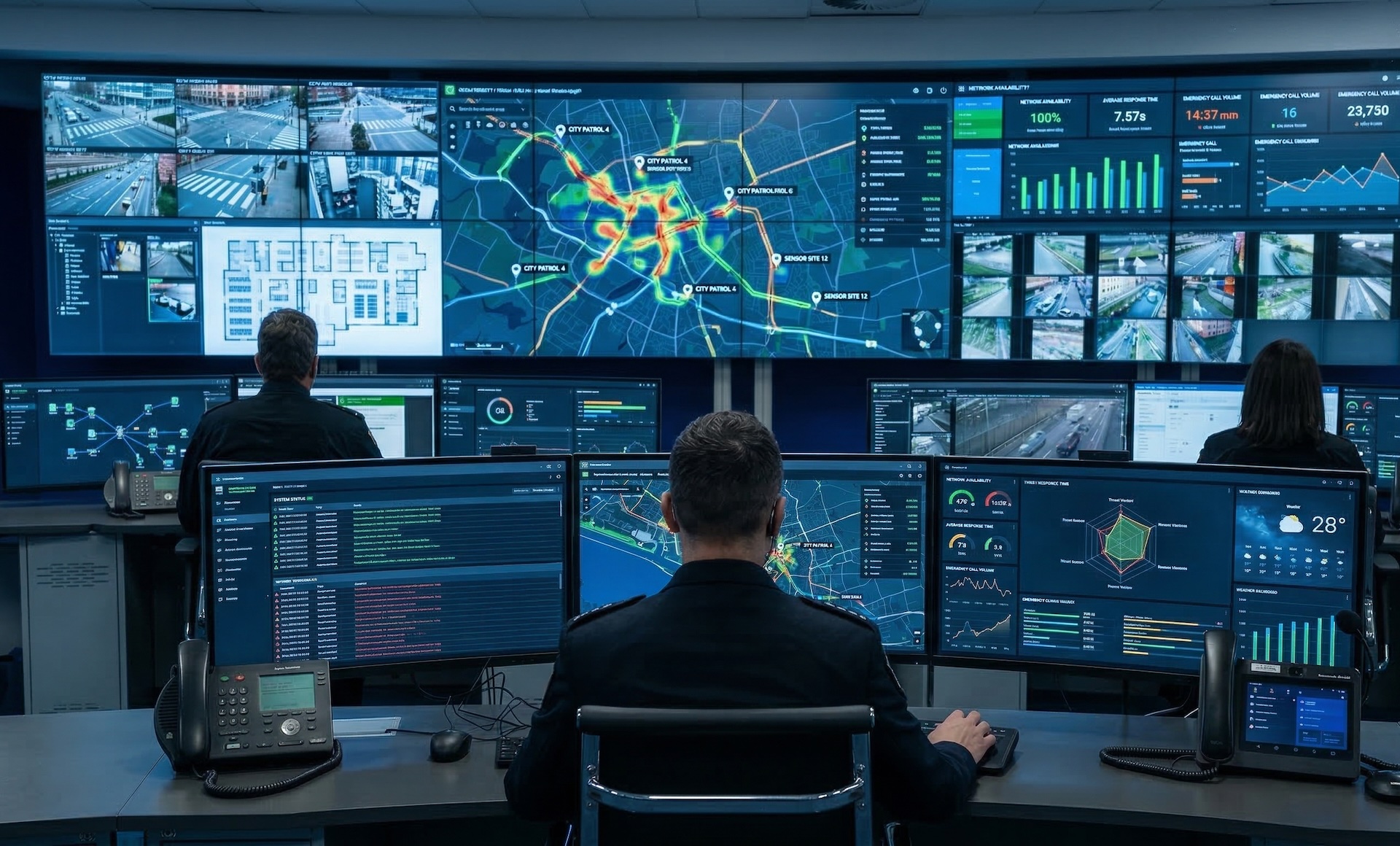
WallNext brings the SOC together in a single operational environment: the room video wall and every operator workstation work on the same sources. Alarm response follows a preset sequence, and every operation stays recorded in the Server audit log.
A SOC keeps perimeters and infrastructures under control: groups of cameras, access control systems, alarms, VMS platforms. WallNext gathers them into a single operational environment, where the room video wall and each operator workstation work on the same sources.
Alarm response follows a preset sequence: the camera involved appears on the video wall, the operator finds the procedure to follow in their Workspace, and every operation stays recorded in the Server log.

The WallNext platform
WallNext manages the video wall, operator workstations and source administration in a single environment. Redundancy across Server and Player, SSO and LDAP login, an audit log of every operation and compatibility with Matrox and Nvidia hardware are native platform features.
The administration layer: sources, operator profiles, layouts, permissions and audit log. It runs on a dedicated Windows server or a virtual machine. A synchronised backup copy stays ready to take over in the event of a failure.
The video wall rendering engine. It handles IP streams and physical signals at full resolution. With a Matrox Mura card it adds dedicated hardware decoding; on smaller installations a workstation with an Nvidia GPU is enough. A synchronised backup copy stays ready to take over in the event of a failure.
The multi-monitor environment of the operator workstation. At every login the operator finds the sources and tools defined by their profile, from any workstation. The configuration is stored on the Server, not on the individual machine.
Browser-based command interface. With one touch the operator runs a preset sequence: the sources involved appear on the video wall and the workstations switch to the planned layout.
The room VMS (Milestone XProtect, Genetec Security Center, Axis Camera Station, Avigilon Control Center) remains the recording and forensic analysis system. WallNext integrates with external systems: every platform accessible via browser, RDP or IP stream becomes a source like any other, distributed to the video wall and to the operator workstations according to the permissions defined by the Server.
When IT adds a camera or a system to the VMS, the administrator inserts it as a WallNext source: from that moment it is available across the whole SOC, operator workstations included.

Milestone, Genetec, Avigilon, Axis Camera Station and any web-accessible VMS integrate with WallNext. The operator works within the VMS interface inside their Workspace, without switching applications.
RTSP, H.264, H.265 and SRT streams reach the video wall and the operator workstations directly from the cameras, at low latency for real-time monitoring.
Access control systems, alarm management platforms and intercom systems coexist in the operator Workspace alongside the video streams, in a single environment.
WallNext in practice
Three security rooms in three distinct contexts: metropolitan public safety, territory surveillance, military command.
 Click to enlarge
Large-scale public safety. Hundreds of cameras distributed across the territory, maps and alarm systems converge in the metropolitan police room for territory management and emergency response.
 Click to enlarge
Municipal police, an urban area under continuous surveillance. A curved video wall and operator workstations for full control of the territory.
 Click to enlarge
A command room for defense operations: tight access control, complete audit log, redundancy across Server and Player. Operations stay under control even under maximum emergency conditions.
WallNext for SOC
On the SOC video wall, WallNext Player with a Matrox Mura card decodes dozens of H.264 and H.265 streams in parallel from the same workstation. On smaller installations a Windows PC with an Nvidia GPU is enough.
WallNext Action Panel runs a preset sequence with a single touch: the camera involved appears on the video wall, the operator workstations switch to the emergency layout, and network commands go out together to the room devices. Each role can have its own command interfaces.
Yes. WallNext Server records every operator action: logins, layout changes, source switches, administrative commands and alarm sequences executed. Combined with SSO and LDAP, it satisfies the traceability requirements of regulated security environments.
Yes. WallNext Workspace assigns each operator a multi-monitor environment with the cameras, VMS interfaces and alarm management tools defined by their profile. The operator sees and modifies only what the administrator has defined for them.
Yes. WallNext integrates with any VMS accessible via web, RDP or IP streams (RTSP, H.264, H.265, SRT). Milestone XProtect, Genetec Security Center, Axis Camera Station, Avigilon Control Center and others coexist in the operator Workspace or on the video wall as sources.
In a SOC the video wall usually hosts many cameras at once: the recommended configuration is WallNext Player with a Matrox Mura card. The card provides dedicated hardware decoding and physical HDMI inputs for traditional AV sources. On smaller video walls a Windows workstation with an Nvidia GPU is enough.
Discover how Player, Workspace and Server can simplify operations inside a Security Operations Center.
Request Demo