WallNext Server
The administration layer: sources, operator profiles, layouts, permissions and audit log. It runs on a dedicated Windows server or a virtual machine. A synchronised backup copy stays ready to take over in the event of a failure.
Solutions / Network Operations Center
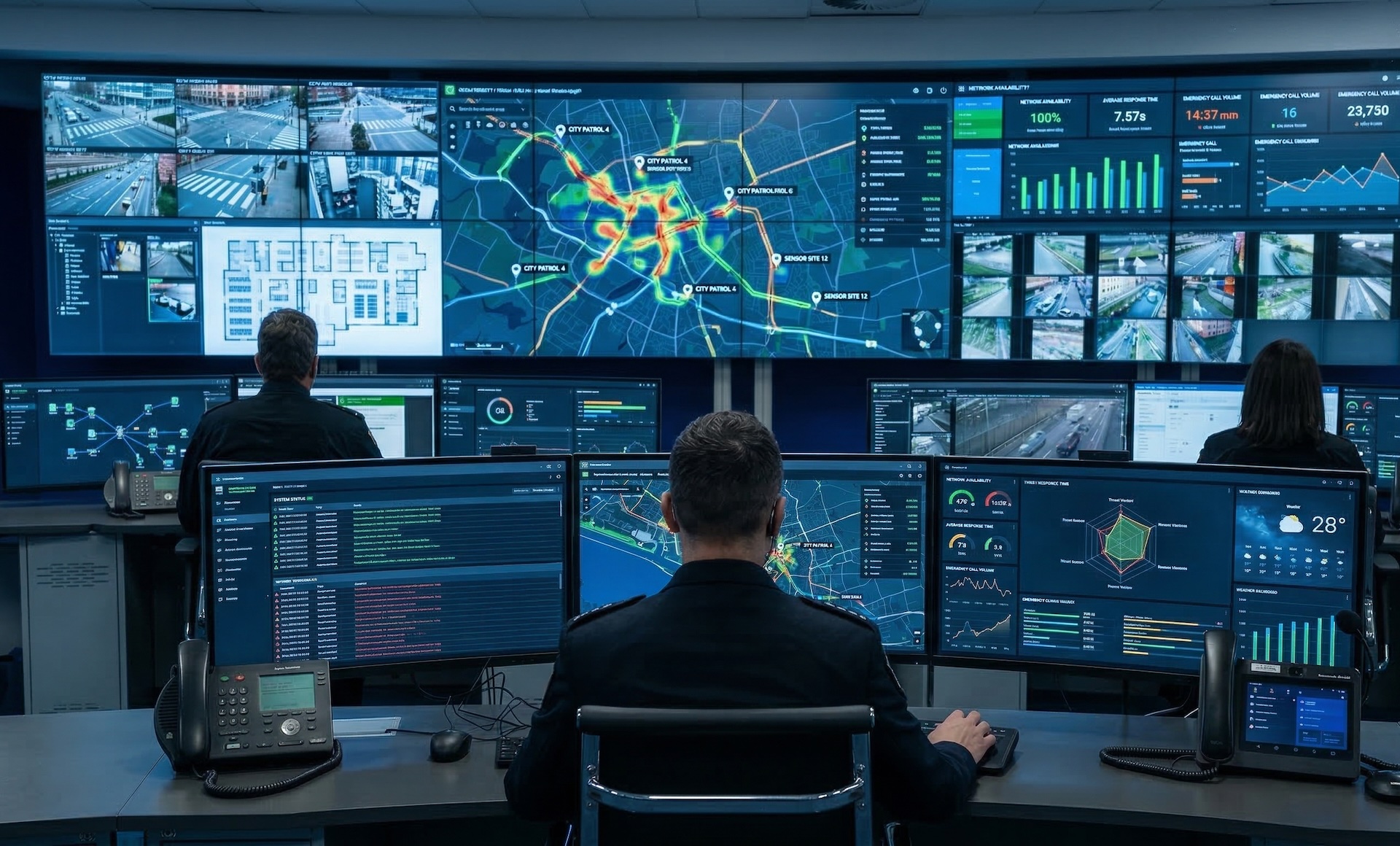
Dashboards, video streams, remote desktops and shared workspaces converge in a single operational environment designed for continuous network monitoring, from the video wall to the operator workstations.
A NOC keeps the network under control around the clock: servers, applications, distributed infrastructure, alarms to handle. WallNext organises the complexity of a NOC into a single operational environment, where the room video wall and every operator workstation share the same sources and the same permission model, defined centrally by the Server.
To each operator the platform assigns the tools they use in their work, regardless of where they are seated: in the room, at a secondary site or on the move. If the infrastructure grows, new sources and new sites slot into the existing configuration without redesigning it.

The WallNext platform
WallNext manages the video wall, operator workstations and source administration in a single environment. Redundancy across Server and Player, SSO and LDAP login, an audit log of every operation and compatibility with Matrox and Nvidia hardware are native platform features.
The administration layer: sources, operator profiles, layouts, permissions and audit log. It runs on a dedicated Windows server or a virtual machine. A synchronised backup copy stays ready to take over in the event of a failure.
The video wall rendering engine. It handles IP streams and physical signals at full resolution. With a Matrox Mura card it adds dedicated hardware decoding; on smaller installations a workstation with an Nvidia GPU is enough. A synchronised backup copy stays ready to take over in the event of a failure.
The multi-monitor environment of the operator workstation. At every login the operator finds the sources and tools defined by their profile, from any workstation. The configuration is stored on the Server, not on the individual machine.
Browser-based command interface. With one touch the operator runs a preset sequence: the sources involved appear on the video wall and the workstations switch to the planned layout.
The NOC monitoring tools are integrated into WallNext, which manages sources centrally and distributes them to the operator workstations and the video wall according to system rules. Grafana, Zabbix, PRTG, SolarWinds, Nagios, Datadog: every tool accessible via browser or remote desktop becomes a source.
Sources are defined in the Server and from there they reach the operators and the displays. When IT introduces a new monitoring tool, it is added once and becomes immediately available across the entire NOC.

Grafana, Kibana, Datadog, PRTG, Zabbix, SolarWinds, any browser-accessible tool: it becomes a WallNext source without writing a line of integration code.
Remote desktop sessions to servers and network devices open directly in the operator Workspace. One single interface, no external client to manage workstation by workstation.
H.264, H.265, RTSP and SRT streams from network cameras, encoders and broadcast sources sit alongside the dashboards on the same operator workstation or the same video wall.
WallNext in practice
Three monitoring rooms in three distinct operational contexts: satellite operations, radio frequency monitoring and seismic monitoring.
 Click to enlarge
Satellite operations distributed across several buildings. Two independent video walls for the main room and remote monitors that extend control to the nearby buildings.
 Click to enlarge
Radio frequency monitoring on a territorial scale. Two independent video walls to supervise multiple frequency bands and multiple geographic areas at the same time.
 Click to enlarge
Real-time monitoring of a territorial network of seismic sensors and the associated volcanic activity. Continuous data streams from instruments distributed in the field, 24/7 supervision.
WallNext for NOC
A NOC needs a single platform that manages both the room video wall and the operator workstations. In WallNext these two layers work together: the Player drives the video wall, the Workspace runs the multi-monitor operator workstations, the Server administers sources, layouts, users and schedules. Three modules, one architecture.
Yes. Workspace and Player display any web dashboard or application, including Grafana, Zabbix, PRTG, SolarWinds, Nagios and Datadog. Sources are defined once in the Server and each operator sees only the dashboards their profile allows.
Video wall layouts can be scheduled to activate at set times, so the transition between day shift, night shift and emergency scenarios happens with no manual intervention. At the start of the shift the operator logs in and finds in the Workspace the sources and dashboards defined by their profile, regardless of the workstation.
Yes. The Workspace connects to the Server over the standard corporate network, with no dedicated VPN. The operator logs in from a secondary site or a remote location and finds the sources, dashboards and layouts available in the main NOC, within the limits of their profile.
Yes, on two independent levels, Server and Player. Synchronised backup copies stay aligned with the primary and ready to take over in the event of a failure. Automatic failover is handled by the supervisor module (coming soon).
WallNext is compatible with Nvidia and Matrox Mura cards. For most NOCs, where dashboard sessions are numerous and simultaneous video streams less frequent, a Windows workstation with a dedicated GPU is enough. Matrox Mura cards are recommended when the video wall grows and requires many simultaneous physical inputs.
Discover how Player, Workspace and Server can simplify operations within a Network Operations Center.
Request Demo