
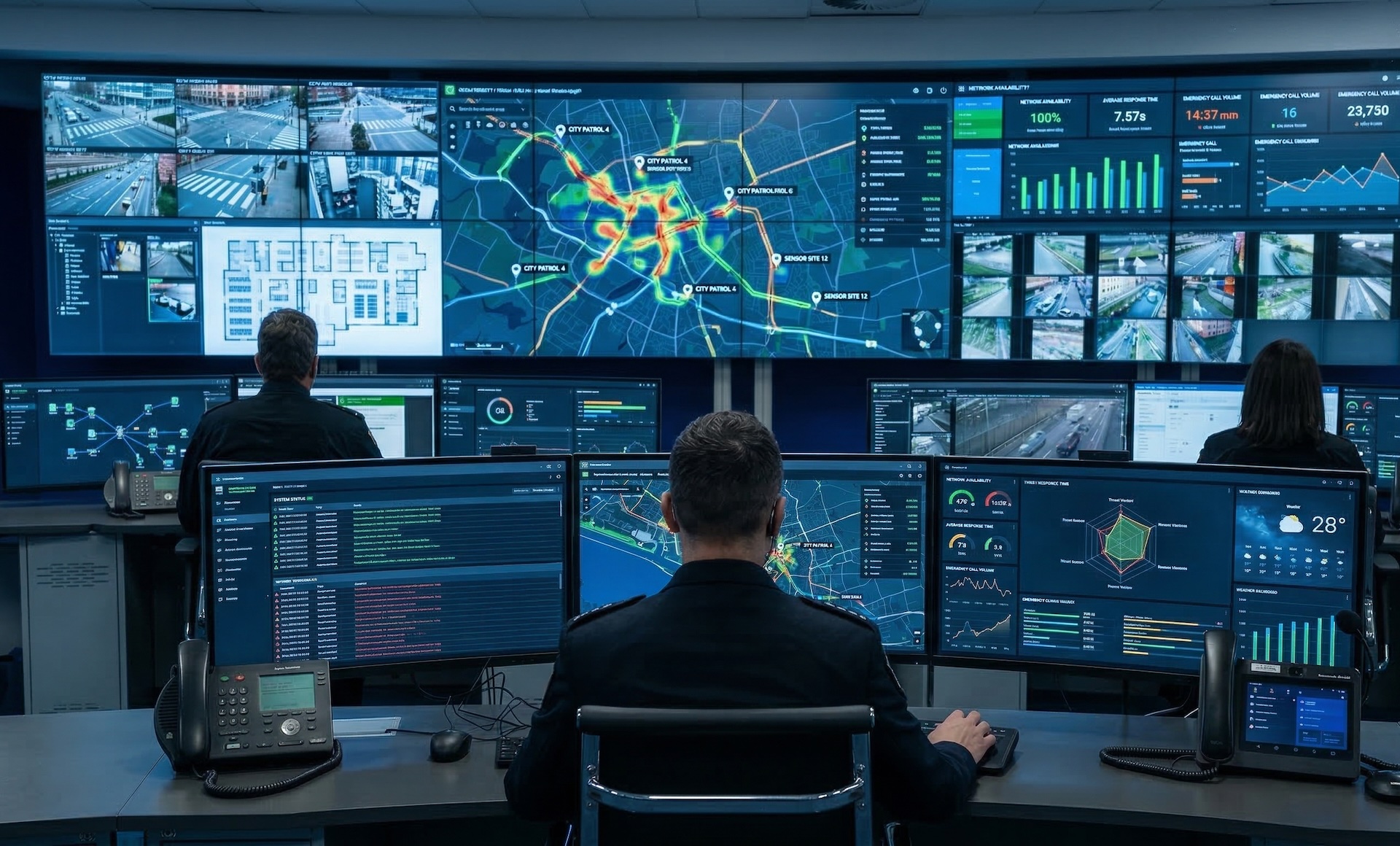
WallNext Server
The administration layer: sources, operator profiles, layouts, permissions and audit log. It runs on a dedicated Windows server or a virtual machine. A synchronised backup copy stays ready to take over in the event of a failure.
Solutions / Corporate Operations Center
WallNext unifies teams, workspaces and shared visualization in a centralized environment designed to coordinate corporate operations in real time.
Corporate operations rooms serve very different purposes: a call center monitors service queues and agent performance; an IT operations center tracks network status and incident queues; a corporate security room watches access points and cameras. What they have in common is structure: operators with defined roles, information that has to reach the right people, and shared displays that keep the whole room aligned.
WallNext separates the operator workspace from shared display management and administers both from a single Server installation. Each operator has a personalized environment, with the tools and sources defined by their profile. The shared displays show what the team needs, updated in real time, managed centrally without touching individual screens.

The WallNext platform
WallNext manages the video wall, operator workstations and source administration in a single environment. Redundancy across Server and Player, SSO and LDAP login, an audit log of every operation and compatibility with Matrox and Nvidia hardware are native platform features.
The administration layer: sources, operator profiles, layouts, permissions and audit log. It runs on a dedicated Windows server or a virtual machine. A synchronised backup copy stays ready to take over in the event of a failure.
The video wall rendering engine. It handles IP streams and physical signals at full resolution. With a Matrox Mura card it adds dedicated hardware decoding; on smaller installations a workstation with an Nvidia GPU is enough. A synchronised backup copy stays ready to take over in the event of a failure.
The multi-monitor environment of the operator workstation. At every login the operator finds the sources and tools defined by their profile, from any workstation. The configuration is stored on the Server, not on the individual machine.
Browser-based command interface. With one touch the operator runs a preset sequence: the sources involved appear on the video wall and the workstations switch to the planned layout.
Corporate Operations Center
The same platform meets the operational needs of every corporate environment. The operator workspace plus shared display model stays consistent; the configuration, the sources and the role structure change to fit the room.
Each agent has a personalized workspace with their own CRM, telephony client and ticketing tools. Supervisors see queue KPIs and team performance on the shared displays. Hot-desking ready: operators log in from any workstation and find their environment already configured. No IT involvement is needed between shifts.
IT operators monitor infrastructure status, incident queues and service dashboards from dedicated operator environments. The shared displays show the most critical metrics for the whole team. WallNext integrates with any web-based monitoring tool: Grafana, Zabbix, Splunk, ServiceNow, Datadog. Sources are configured once and distributed centrally.
Security officers access cameras, access control systems and alarm dashboards from operator environments assigned by role. The shared video wall gives the room a unified situational picture. Multiple security zones and multiple operator profiles stay on a single, centrally managed platform, with SSO and audit log for compliance requirements.
Production teams and media monitoring operators handle many live sources, signals and editorial dashboards from a unified environment. WallNext Player distributes IP and physical video streams to any display configuration. Layouts change on schedule or on demand, without interrupting the monitoring work.
WallNext in practice
Three rooms in three distinct contexts: a multipurpose operations center, financial operations, live sports event management.
 Click to enlarge
Flexible multimedia operations center combining multiple video wall configurations and individual monitors to support diverse operational and presentation needs.
 Click to enlarge
Three interconnected twin rooms for financial operations monitoring and traffic control, each equipped with an independent video wall and a dedicated operator cluster.
 Click to enlarge
Large-scale live sports event control and decision room built to handle real-time coordination across forty operator positions with two independent video wall systems.
WallNext for Corporate Operations Centers
WallNext is deployed across a wide range of corporate operations environments: call centers and contact centers, IT operations centers, corporate security environments and GSOCs, and broadcast or media monitoring rooms. In every case, the platform manages both individual operator workspaces and shared displays from a single, centrally managed installation.
No. In corporate environments, the shared display is often a compact setup: a few large monitors, screens distributed across a room, or a small video wall. WallNext Player scales from a single display to a multi-screen wall. The configuration adapts to the space and to the operational need.
Yes. WallNext supports role-based profiles managed centrally from the Server. A customer service agent, an IT operator, a security officer and a team leader can each have a completely different workspace configuration on the same WallNext installation. Each operator accesses only the tools and sources assigned to their profile.
Yes. WallNext Workspace runs over standard TCP/IP networks. An operator working remotely logs in from any Windows workstation and finds their environment ready, with the same applications, sources and layouts available in the office. No reconfiguration is needed.
Yes. WallNext Workspace and Player can display any web or application dashboard, including monitoring tools such as Grafana, Zabbix, Splunk, ServiceNow and similar platforms. Sources are managed centrally in WallNext Server and distributed to the operators and displays that need them.
Discover how Player, Workspace and Server can simplify day-to-day operations inside a corporate operations center.
Request Demo